How can I view GSX logs?
This article is a step-by-step walk-through to help Technicians efficiently use Fixably to view logs between Fixably and GSX.

Written by Annukka Matilainen
Updated at May 19th, 2026
- Navigate to the appropriate Order.
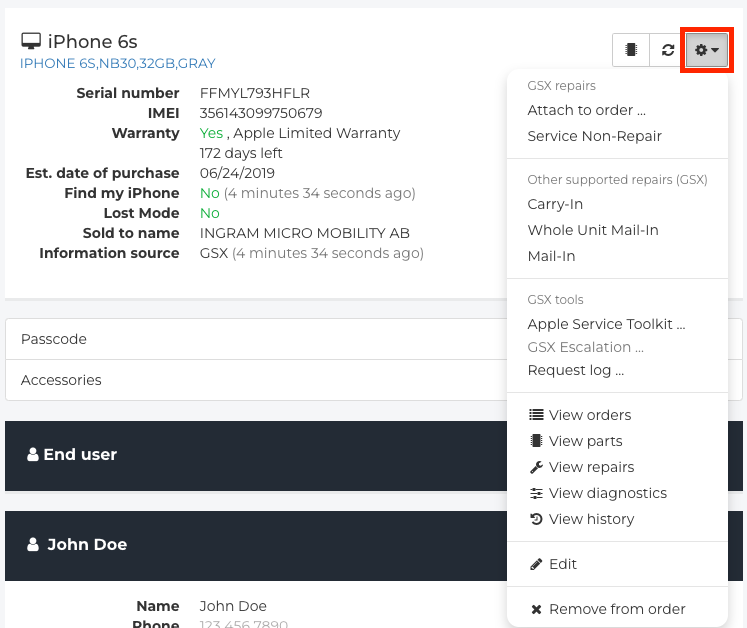
- From the Device section, click the Gear menu.
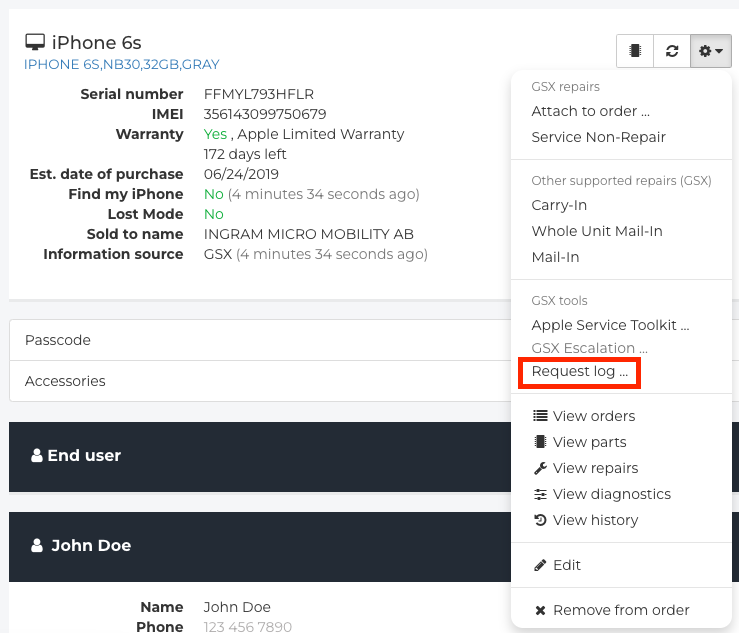
- Click Request Log.
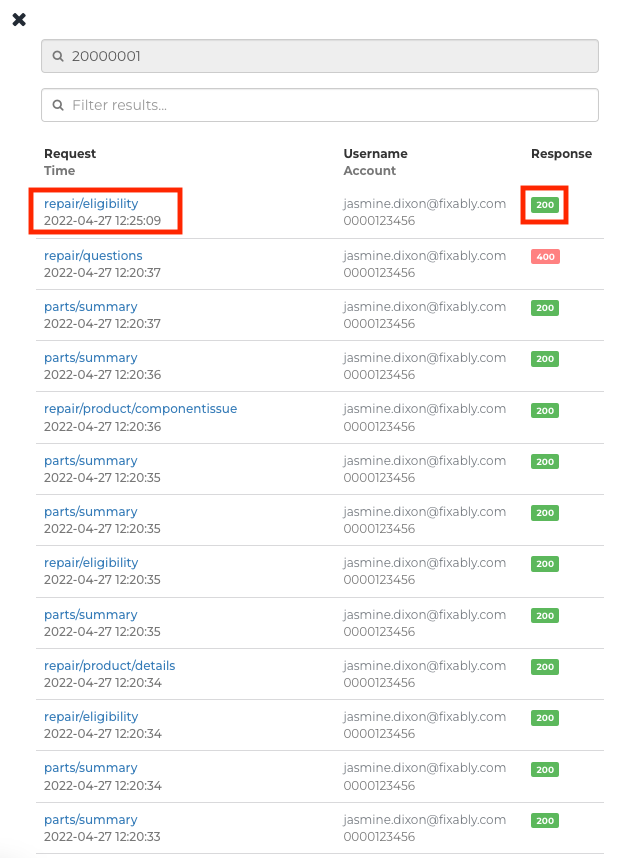
- A list of logs will appear for each time Fixably reached out to GSX via the API and the response from GSX.
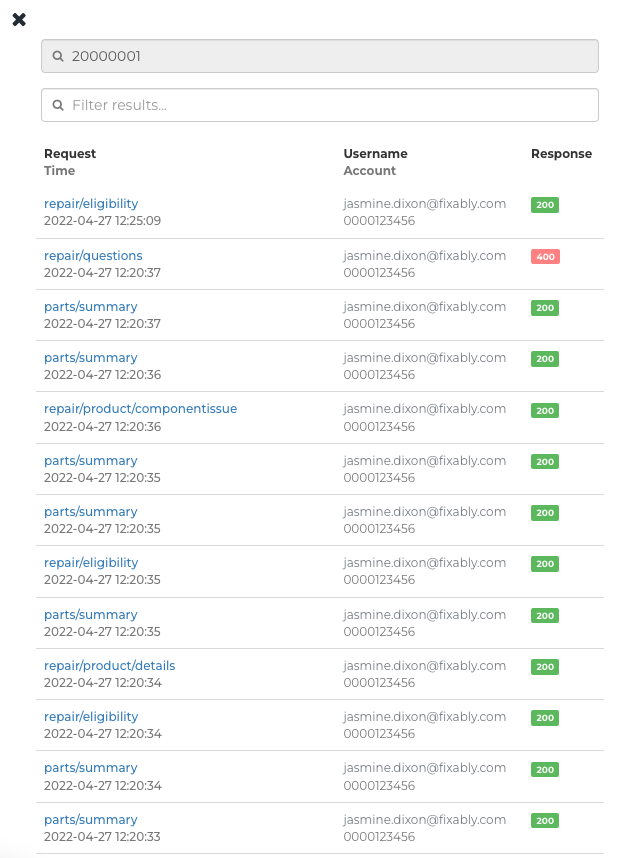
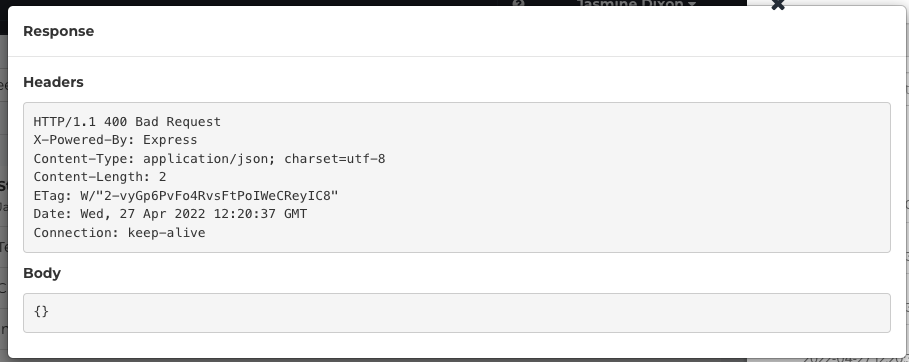
- Click either the Request (to see the information sent to GSX) or the Response (the information Fixably received from GSX) to get more information.
- A separate box will appear with the requested logs.