How do I change the email address of a User?
This guide shows Fixably Administrators how to change the email address associated with a User account.

Written by Annukka Matilainen
Updated at May 19th, 2026
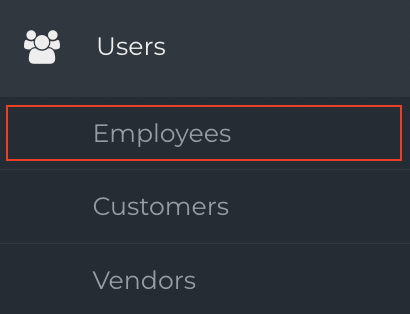
- From the Navigation Sidebar, select Users and then click Employees.
- Locate the Employee whose email you would like to change.

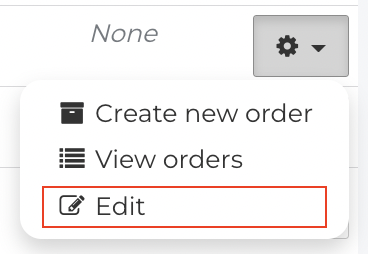
- From the Gear menu, click Edit.
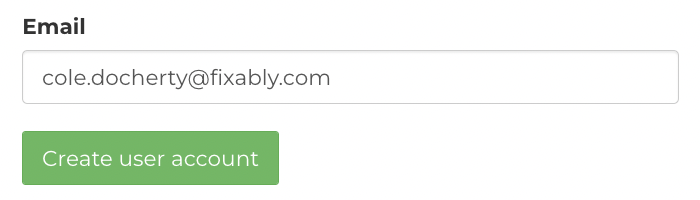
- Add the updated email address to the Email field.
- When complete, scroll to the bottom and click Save.